Why a Roblox promo code says invalid or already redeemed
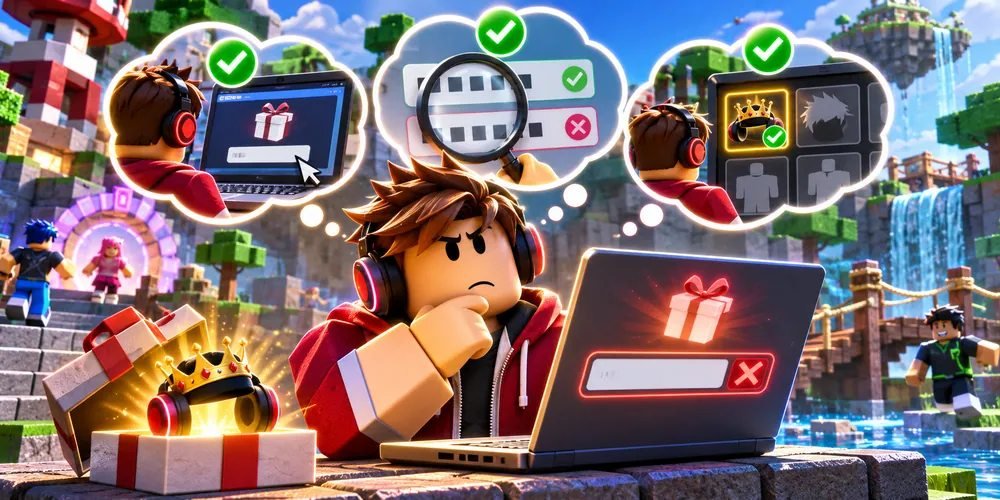
Start with three checks before retrying a promo code. Confirm where the issuer says to redeem it, compare the exact characters, and check whether the item already belongs to the signed-in account.
Check the redemption destination
Compare the issuer's instructions
A code written for an individual game may belong inside that game. A Roblox platform promotion uses the official Roblox redemption page. If a guide mixes codes from several games, find the creator or Roblox announcement for the particular one you have.
Check the text and timing
Look at the original announcement
Copy only the code, leaving out quotation marks, punctuation from the surrounding sentence, and accidental spaces. Inspect similar-looking characters. Look for an end date and remember that a repost's publication date may be much later than the original promotion.
Check the inventory
Keep the useful evidence
Look under the inventory category for the item named in the promotion. If the item is missing and the promotion is still open, note the account, date, issuer, and exact response before contacting the issuer through official support. Keep unused codes and account details private.
Questions and answers
Will repeatedly pressing Redeem help?
A retry with the same expired or mistyped code does not correct the underlying issue. Identify what changed before retrying.
Can a list confirm an old code is active?
A dated list can be a lead. Use the issuer's terms and the actual redemption response to establish its status.