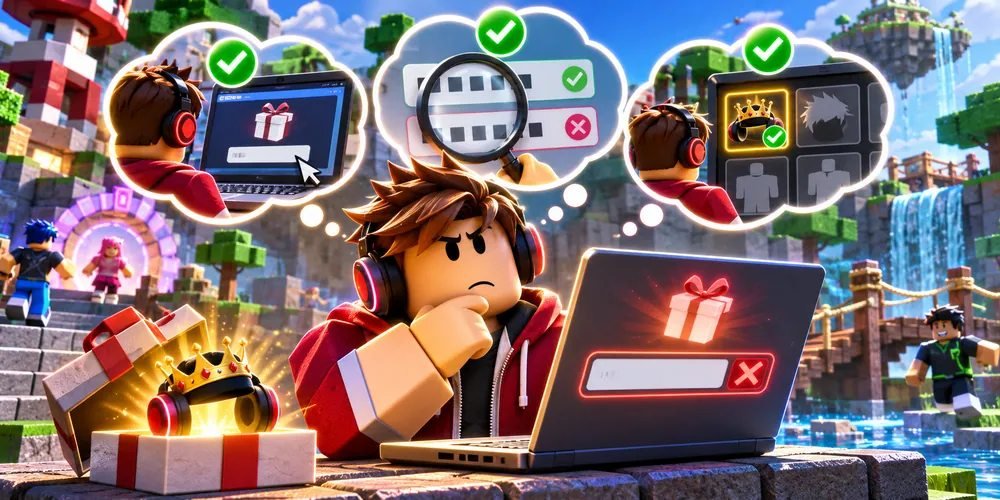
How to redeem a Roblox promo code on the right account
Redeem a Roblox platform promo code through Roblox's own redemption page while signed into the intended account. The account name is worth checking before entering a one-use code.
Identify who issued it
Read the instructions beside the code
Look at the event or promotion where you received the code. A Roblox-issued platform promotion belongs on the redemption page linked below. If a game developer tells you to redeem a code inside an experience, follow that creator's instructions for that game.
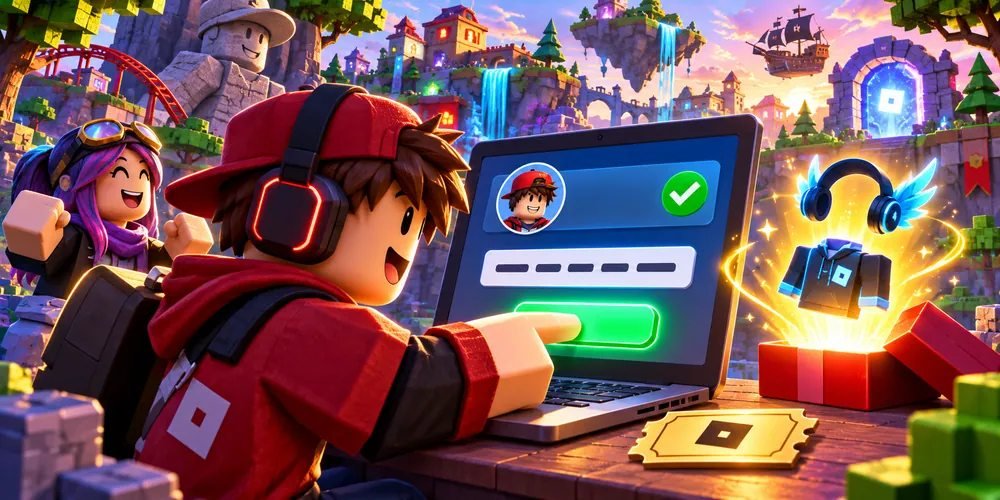
Check the account and submit
Use a browser on a shared device
Open Roblox's redemption page, check the signed-in username, and enter the code exactly as supplied. Submit once and read the response. On a family device, deliberately checking the username helps avoid redeeming on the previous player's account.
Find the result
Use the stated item type
If the promotion describes an avatar item, check the matching inventory category on that same account. Save the confirmation text if you need to investigate later. Roblox notes that time-limited promotions may stop accepting codes when their window ends.
Questions and answers
Does every code award Robux?
The result depends on the code type. Read the issuer's description for the particular promotion.
Where is the list of active codes?
This guide covers redemption. It makes no claim that a particular code is currently active.