Is Roblox lag coming from graphics or your connection?
Turn the camera slowly and watch another player's movement. A choppy camera points toward rendering trouble. Smooth local movement paired with delayed actions or jumping players points toward a connection issue.
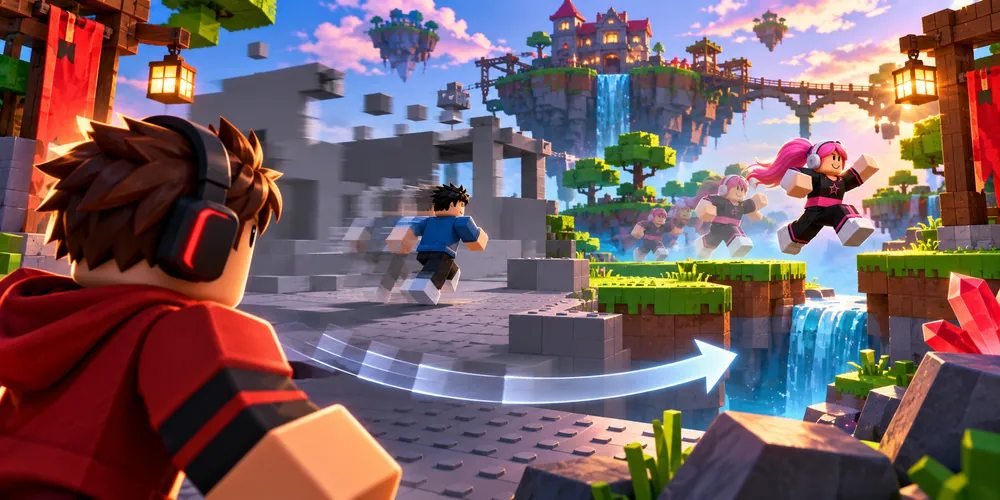
Run a repeatable movement test
Use the same spot
Stand where you can see scenery and another moving player. Rotate the camera once, then perform a simple action. Note separately whether the picture stutters and whether the action responds late. A busy scene can expose one problem while a delayed action exposes another.
Try a smaller graphics load
Change one setting
Open the in-experience settings. If graphics are automatic, choose manual control and lower the quality a little. Repeat the same camera movement in the same place. If motion improves, gradually raise the level until you find a comfortable balance.
Investigate delays separately
Compare another session
If the camera remains smooth but actions arrive late, try another experience and compare. Check whether other internet activity is affecting the connection. If visual stutter persists across experiences, close an unused demanding app and run the camera test again.
Questions and answers
Will minimum graphics fix every delay?
Lower graphics can ease the device's rendering work. Delayed network actions may need a separate connection check.
How can I undo the experiment?
Restore the previous quality setting or return to automatic graphics mode.