How to get a reminder for a Roblox game event
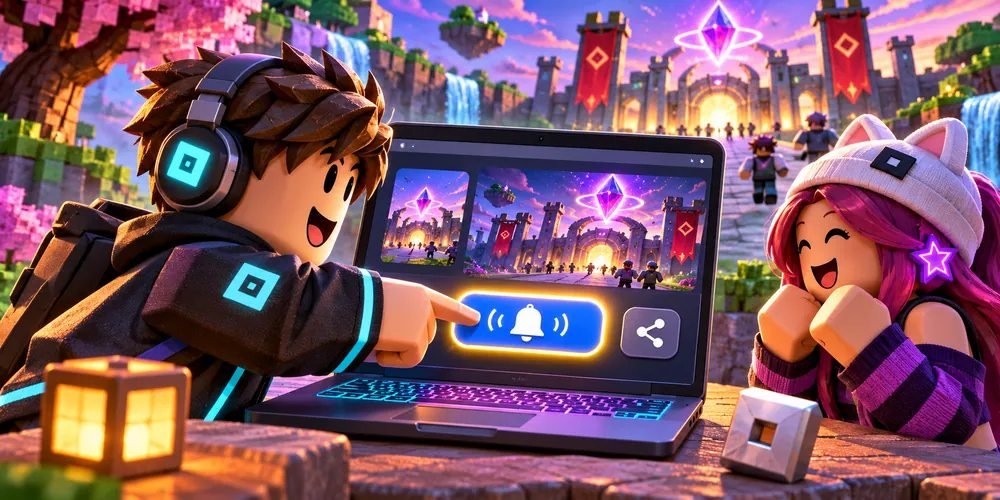
Open the event from the game's Roblox page and choose Notify Me when that option appears for an upcoming event. The event's own page is also the best link to share with a friend.
Find the right event card
Check both title and creator
Start on the experience details page, then look through its events. Open the specific card and read the date, title, and description. An experience can have several events at once, so the first card is not necessarily the one you saw announced.
Set the reminder
Check the status before leaving
On an upcoming event, select the reminder control. If you plan to play together, share that event page so your group sees the same listing. Save the date separately if your device limits notifications.
Join when it starts
Return to the event page
Use the active event entry point when the event begins. A creator can direct event joins to a particular place inside the experience. Opening the event directly can therefore be more precise than launching the game's normal starting area.
Questions and answers
Can I join from an ended event page?
Roblox says an ended event page can remain visible, but it no longer offers event joining.
Is an update alert the same as an event reminder?
An event reminder concerns a scheduled event. Roblox also lets creators send separate update announcements to players who opted in.