Dress To Impress Halloween event listings explained
The October 2026 Dress To Impress listing featured a Halloween update and a Tales of the Dark King event dated October 24. Treat those listings as a record of the announcement when looking for the activity today.
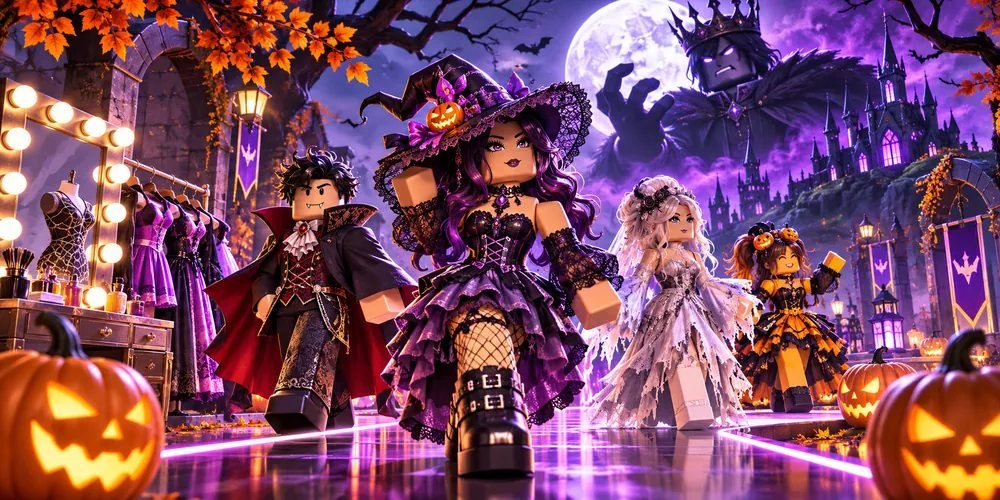
Identify the event
Read the specific event title
The Roblox listing showed a general Halloween content card alongside a separately dated Tales of the Dark King card. If you saved a guide to the seasonal update, check which of those two entries it describes. A reference to the wider update does not automatically identify the quest you are looking for.
Check whether entry remains available
Look at the live event page
Open the creator's current experience page and inspect the events area. If you can still reach the specific event page, check its status and available action. Roblox says event pages may persist after an event has ended, so an old link alone cannot establish that you can still join.
Evaluate old reward guides
Keep conditions tied to their date
An older screenshot can help identify a costume or location. For current access, look for a creator statement about whether the item returned or a current in-game indication. Current quest access and reward availability require manual review in the live experience.
Questions and answers
Is October 24 the event's end date?
The listing showed it as the scheduled date. It did not establish an end date in the information reviewed here.
Does finding the old announcement mean I can earn its items now?
Check the current event status and creator instructions. This archive entry does not establish that any item is still earnable.