
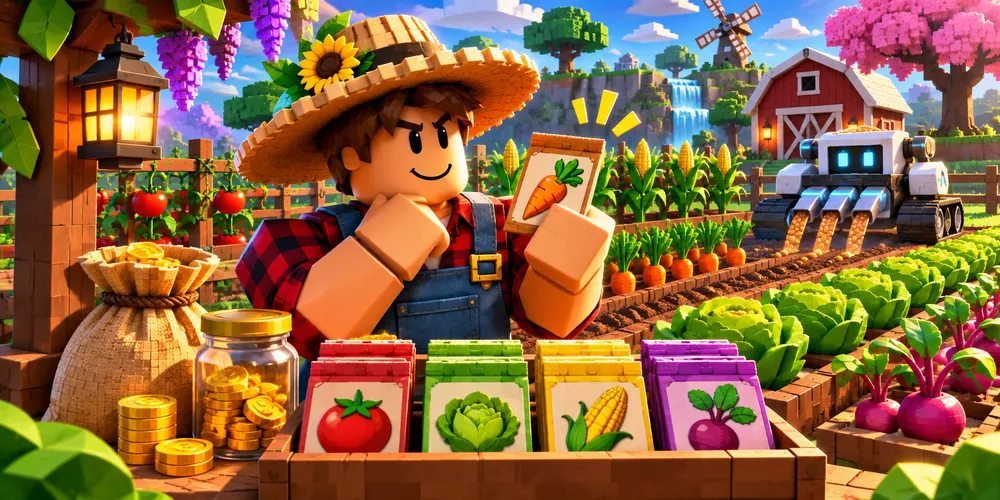
Grow a Garden scripts: setting a seed budget before auto-planting
An auto-seed listing combines two decisions a gardener might prefer to make separately: which seed to buy and how many planting spots to commit. A spending limit alone cannot keep a small plot from filling up.
Get Script ↗About the Grow a Garden script
The third-party listing for Grow a Garden names Auto Farm and Auto Plants among its features.
The Garden Game describes buying a seed, equipping it, planting on a plot, and waiting for it to mature. Start with one seed and check your balance, inventory, and plot after each action. You can have enough money for a seed without having a good place to plant it.
What it does
Auto Farm
Repeats routine progression tasks, such as gathering resources or completing a recurring activity.
Auto Plants
Handles planting actions on available garden plots.
Also listed
- Auto Seed
- Auto Pets
How to run it
Press Get Script
Open the current destination using the button above the overview.
Check the Grow a Garden release
Use the original publisher’s release notes to identify the supported game, platform and installation requirements.
Follow the publisher’s setup instructions
OnlyFree has not verified a working loader for this listing. The correct launch steps depend on the specific release.
Protect the next restock
Set the reserve before you open the shop, especially when saving for a different seed. For a mixed garden, give each row its own planting budget. This lets you change one crop without treating every empty patch as an instruction to spend.
Grow a Garden script questions
Where do the feature descriptions come from?
The features are attributed to the original third-party listing. OnlyFree’s guide explains how to interpret it.
Has OnlyFree tested this script in the live game?
Live compatibility has not been independently confirmed.