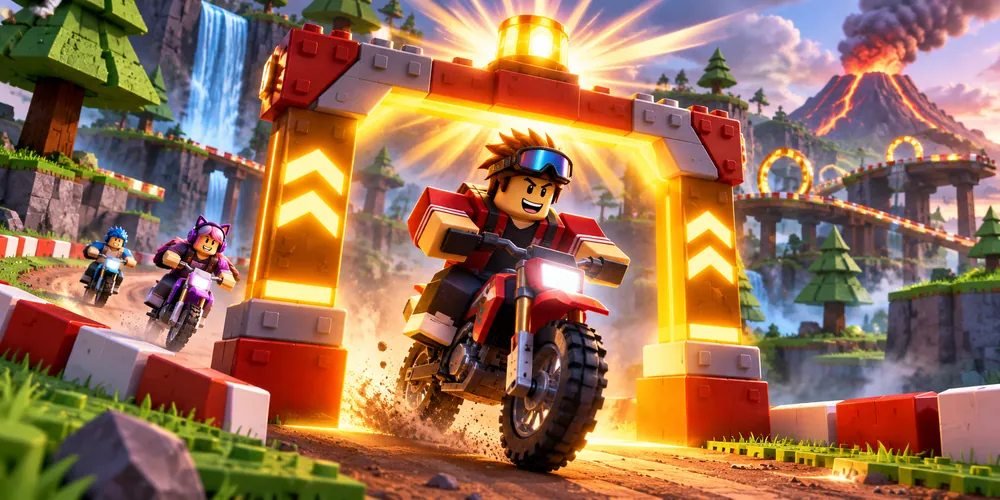
Checkpoint Beacon
Mark a practice checkpoint with a two-second flash when a rider activates the gate.
Get Script ↗About Checkpoint Beacon
Use this Luau script inside your own Roblox Studio place. Its source is included below.
What it does
Checkpoint signal
The gate turns mint green, then returns to its original color. A second activation has to wait until the first flash ends.
Approach visibility
Choose a starting color that contrasts with green. Test the gate from both approaches so riders can see the signal before passing the marker.
How to run it
Prepare the scene
Create an anchored Part beside the track in your Studio place.
Add the server Script
Insert a server Script under that Part. Expand View Luau source and paste the code into the Script.
Playtest the interaction
Press Play, approach the Part, and activate the prompt. The gate turns mint green, then returns to its original color. A second activation has to wait until the first flash ends.
View Luau source
local part = script.Parent
local prompt = Instance.new("ProximityPrompt")
prompt.ActionText = "Signal checkpoint"
prompt.Parent = part
local original = part.Color
prompt.Triggered:Connect(function()
    if not prompt.Enabled then return end
    prompt.Enabled = false
    part.Color = Color3.fromRGB(85, 235, 172)
    task.wait(2)
    part.Color = original
    prompt.Enabled = true
end)
Questions
Can another player see the change?
Yes. The Script changes an object in Workspace on the server, so the effect is shared.
How should I position the Part?
Choose a starting color that contrasts with green. Test the gate from both approaches so riders can see the signal before passing the marker.