
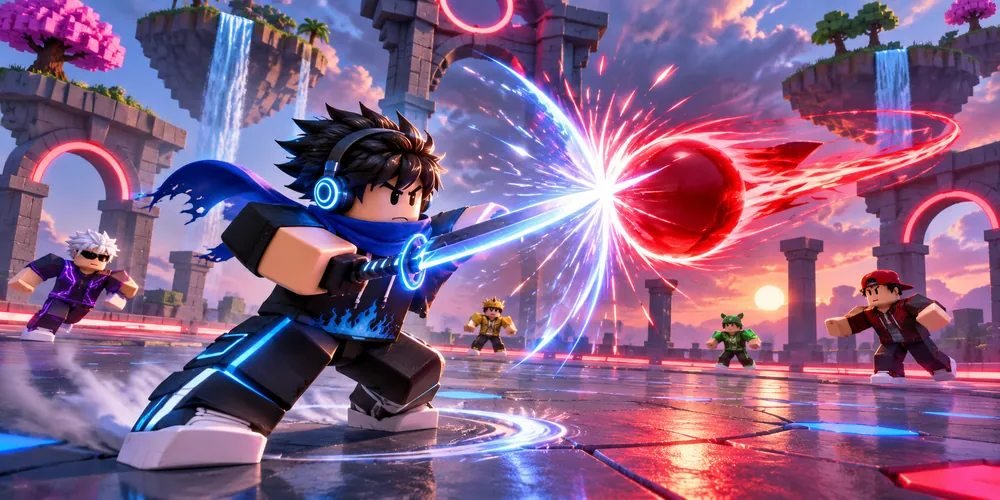
Blade Ball scripts: reading an auto-parry timing claim
In Blade Ball, a homing ball gains speed. Distance alone is a poor guide to when you should block. Two balls at the same distance can leave very different amounts of time to react.
Get Script ↗About the Blade Ball script
The third-party listing for Blade Ball names Auto Farm and Auto Parry among its features.
Wiggity lists block and ability as separate controls. In a replay, pick one moment when you become the target, then follow the distance and speed to the next contact. If a clip cuts between those moments, it cannot show whether a parry was timed consistently across the rally.
What it does
Auto Farm
Repeats routine progression tasks, such as gathering resources or completing a recurring activity.
Auto Parry
Attempts a defensive input as an incoming attack approaches.
Also listed
- Auto Block
- Skin Changer
How to run it
Press Get Script
Open the current destination using the button above the overview.
Check the Blade Ball release
Use the original publisher’s release notes to identify the supported game, platform and installation requirements.
Follow the publisher’s setup instructions
OnlyFree has not verified a working loader for this listing. The correct launch steps depend on the specific release.
Separate appearance from timing
A skin change is visible in a still image. A timing claim needs a continuous sequence, including misses. Look for the target switching or the ball curving away before interpreting an early block. A straight-line estimate becomes inaccurate as soon as the closing speed changes.
Blade Ball script questions
Where do the feature descriptions come from?
The features are attributed to the original third-party listing. OnlyFree’s guide explains how to interpret it.
Has OnlyFree tested this script in the live game?
Live compatibility has not been independently confirmed.