
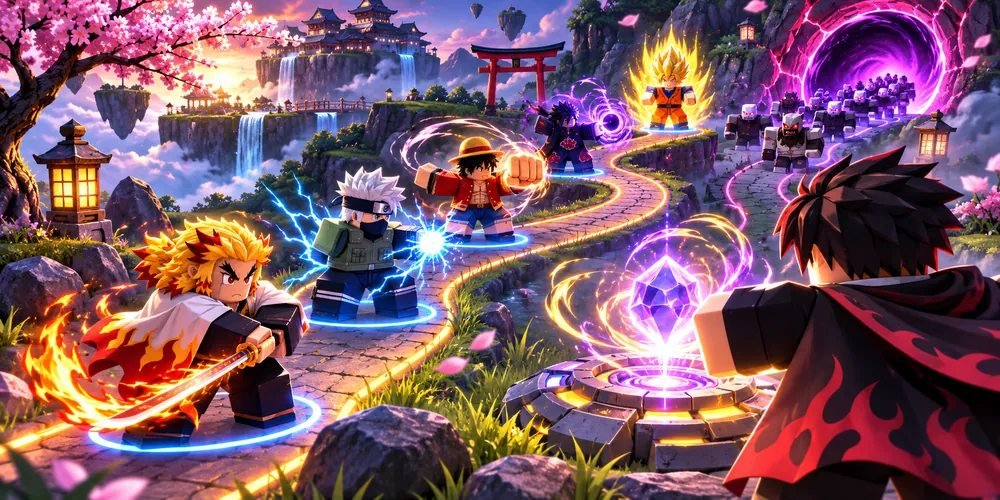
Anime Vanguards script guide: placement order before another summon
A new unit and a well-placed unit solve different problems. The Auto Summon and Auto Place labels in this listing describe acquiring options and using them.
Get Script ↗Temporary link · OnlyFree homeAbout the Anime Vanguards script
The third-party listing for Anime Vanguards names Auto Farm and Auto Summon among its features.
When reviewing a defense, record what was already placed before the difficult wave. Look at the first enemy that gets past. A late placement, an uncovered path, and a unit that never gets a second attack call for different changes.
What it does
Auto Farm
Repeats routine progression tasks, such as gathering resources or completing a recurring activity.
Auto Summon
Repeats attempts to obtain a unit from the available summon pool.
Also listed
- Auto Play
- Auto Place
How to run it
Press Get Script
Open the current destination using the button above the overview.
Check the Anime Vanguards release
Use the original publisher’s release notes to identify the supported game, platform and installation requirements.
Follow the publisher’s setup instructions
OnlyFree has not verified a working loader for this listing. The correct launch steps depend on the specific release.
Worked example
Repeat one layout with only the placement order changed. Buying and deploying a different unit at the same time makes the result hard to interpret.
Anime Vanguards script questions
Where do the feature descriptions come from?
The features are attributed to the original third-party listing. OnlyFree’s guide explains how to interpret it.
Has OnlyFree tested this script in the live game?
Live compatibility has not been independently confirmed.